
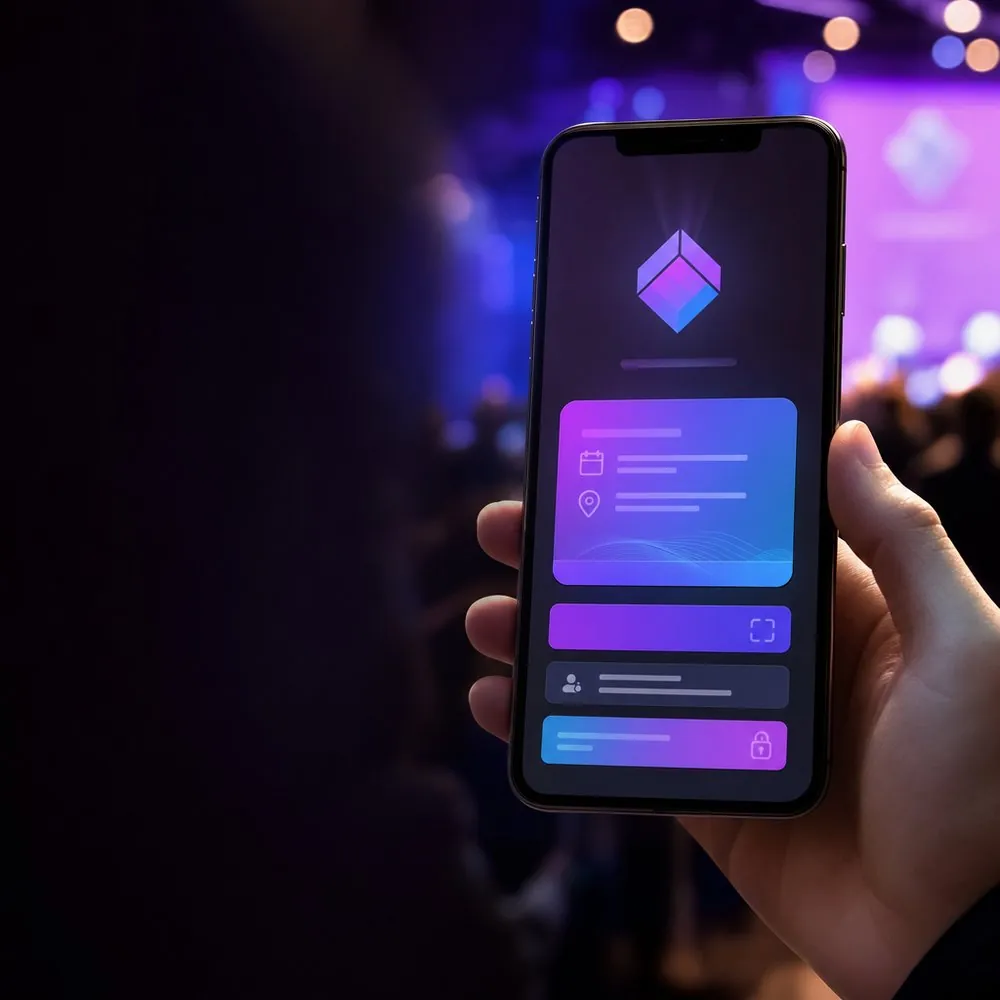
Branded Welcome Screen: Brand the First Impression After the QR Scan
The Problem: A Generic, Unbranded First Impression
The first few seconds of a photo-sharing experience at an event shape a guest's entire perception. Unfortunately, in most solutions the guest scans the QR code only to be met with a generic, identity-less, unbranded screen. This creates a cold start that clashes with the carefully crafted atmosphere of the event.
This first impression matters especially at corporate events, weddings, and sponsored organizations. An unbranded screen raises questions in the guest's mind such as "Is this safe? Am I in the right place?" and creates hesitation before they even reach the selfie step.
- Generic screens weaken the professional feel of the event
- Guests can't be sure they are at the right event
- Brand and sponsor visibility is completely lost
- Trust is missing before the selfie step
What Is the Branded Welcome Screen?
The branded welcome screen is the event info screen your guest sees inside the app immediately after scanning the event QR code. We are not talking about a physical kiosk or device here; this is an entirely in-app experience.
This screen clearly displays your event's name, description, date, and location. Most importantly, you can fully personalize it to match your own brand by adding your own logo. As a result, guests enjoy a professional, white-label welcome experience before they ever reach their photos.
How It Works in Facerog
Creating a branded welcome screen is extremely simple. As the organizer, you edit the event info screen at admin.facerog.com: you enter the event name, description, date, and location, and you upload your own logo.
When your guests scan the event QR code, app.facerog.com opens and this branded, white-label screen is the first thing they see. In other words, without any technical setup, just by entering a few details, you deliver a welcome experience unique to your own brand.
- Enter event name, description, date, and location at admin.facerog.com
- Upload your own logo to brand the screen
- Guests scan the QR code to reach app.facerog.com
- The first screen they see is your branded welcome screen
Benefits of the Branded Welcome Screen
The branded welcome screen is not just an aesthetic touch; it is a strategic feature that adds value to the entire experience. From the very first second, guests sense that the event is professionally managed, and this trust makes the transition to the selfie step easier.
White-label branding is invaluable, especially for agencies and sponsored events. With your own logo, you can present the solution as if it were entirely your own, delivering an experience that puts your clients' or sponsors' brands front and center.
- Creates a professional, polished first impression
- Full white-label branding for agencies
- Increases sponsor and brand visibility
- Reinforces guest trust before the selfie step
Data Security and Getting Started Free
You deliver a branded experience without compromising on data security. Facerog is fully compliant with KVKK and GDPR; all photos are stored end-to-end encrypted on AWS S3. Your guests enjoy an experience that is both branded and secure.
You can try the branded welcome screen and all of Facerog's features for free. The free trial offers grouping for 100 participants, 2 GB of storage, and 1 week of access. No credit card is required, so you can start right away.
- KVKK and GDPR compliant
- End-to-end encryption on AWS S3
- Free trial: grouping for 100 participants, 2 GB storage, 1 week access
- No credit card required
Frequently Asked Questions
Is the branded welcome screen a physical kiosk?
No. It is an entirely in-app screen. It is the event info screen guests see on app.facerog.com after scanning the QR code; no physical device is needed.
How do I add my own logo to the welcome screen?
You can upload your own logo while editing the event details in the organizer panel at admin.facerog.com. Your logo then appears on the branded welcome screen that guests see.
What information can I show on the welcome screen?
You can display your event's name, description, date, and location, and you can fully customize the screen to match your brand by adding your own logo.
Can I try the branded welcome screen for free?
Yes. The free trial gives you grouping for 100 participants, 2 GB of storage, and 1 week of access. You can start right away with no credit card required.
Try face recognition free at your event
KVKK & GDPR compliant, no credit card required. Start free with 100-participant grouping, 2 GB storage, and 1 week of access.
Get Started